WELCOME TO SWANK
RESIDENCE LIFE CINEMA
Swank Residence Life Cinema helps colleges and universities nationwide entertain, educate and engage residents with a streaming solution specifically created for the college student. Featuring 25,000+ movies and shows, Swank makes it possible for residents to stream the latest entertainment anywhere on campus.
RLC's Unique Benefits:
- Ability to hand-select your entire library
- A branded platform featuring school logo, colors and one-of-a-kind name.
- Early availability dates for the majority of titles.
- Custom messaging feature to easily communicate with residents.
- Free PSA content to spotlight important topics like Title IX, mental health, drug and alcohol abuse, and more.
- Fully ADA-compliant platform plus multi-language options.
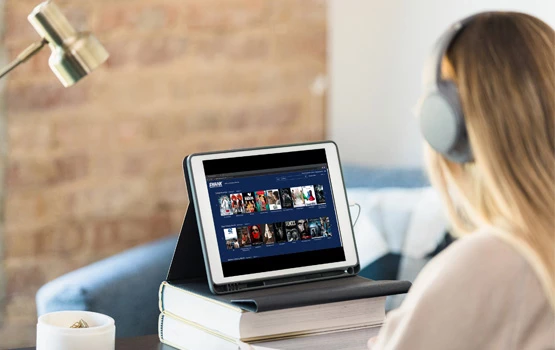
CUSTOMIZABLE ENTERTAINMENT SOLUTION
Your campus is unique, and your students are one-of-a-kind, so it only makes sense your campus television service is personalized to your needs. With our service, you have the option to hand-select your entire library of movies and TV shows – creating a perfect match for your student demographic.
Proud partner of SEAHO and ACUHO-I!